You can read this section of our Cookbook to get an introduction to what Orfeo ToolBox applications are and how they work, and then dive into our recipes to start processing your images.
And if you already are a QGIS user, beware that applications are also available from within the QGIS processing framework!
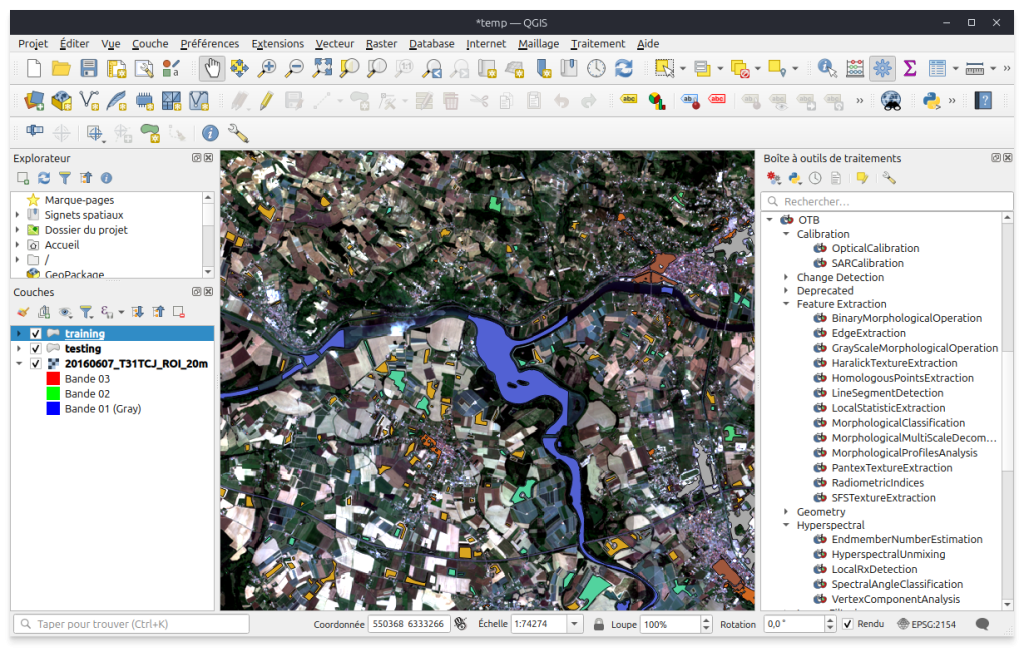 QGIS: visualisation, data management and processing through applications |
Now that OTB whetted your appetite, lets get serious about it: you need to install it on your system.
This is made easy thanks to the binary packages we provide for most operating systems, as you can see in our download page. If you can pick one of these binary packages, there is not much to do before you can start cooking your data. Everything is explained in the installation section of the Cookbook. Depending on the operating system, third party software will be shipped along or installed by the package manager.
Note that most of the binary packages also include development packages, so you can also start writing small pieces of code using the OTB C++ API, by following one of the numerous code examples we provide in our Cookbook.
Oh, and did you know you can also call Orfeo ToolBox applications from Python ?
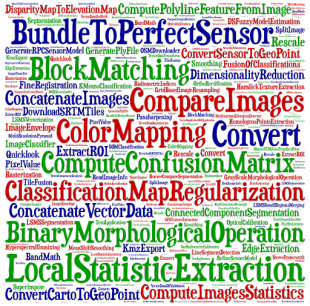
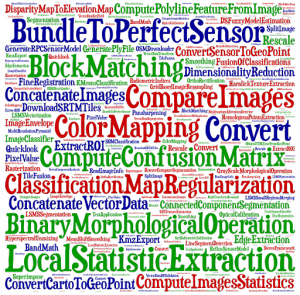 Tags cloud of available applications |
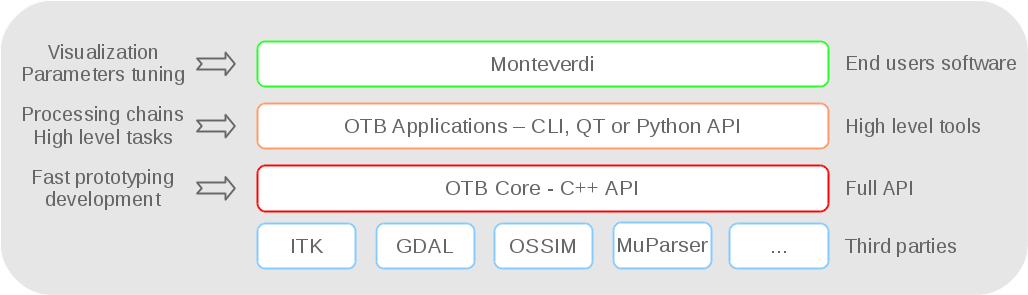 How to eat the Orfeo ToolBox sandwich |
If you reached this far you probably long to build your own nightly (or stable) version of the Orfeo ToolBox, and this section of the Cookbook is what you are looking for: it will guide you step-by-step through the compilation process.
And if you feel like coding inside (or aside) Orfeo ToolBox, this section is what you are looking for: you will learn how to walk through your images, write a new filter or develop your own application.
If you wonder what are others doing with Orfeo ToolBox, you can find here examples of external projects developed by OTB users on top of the library.
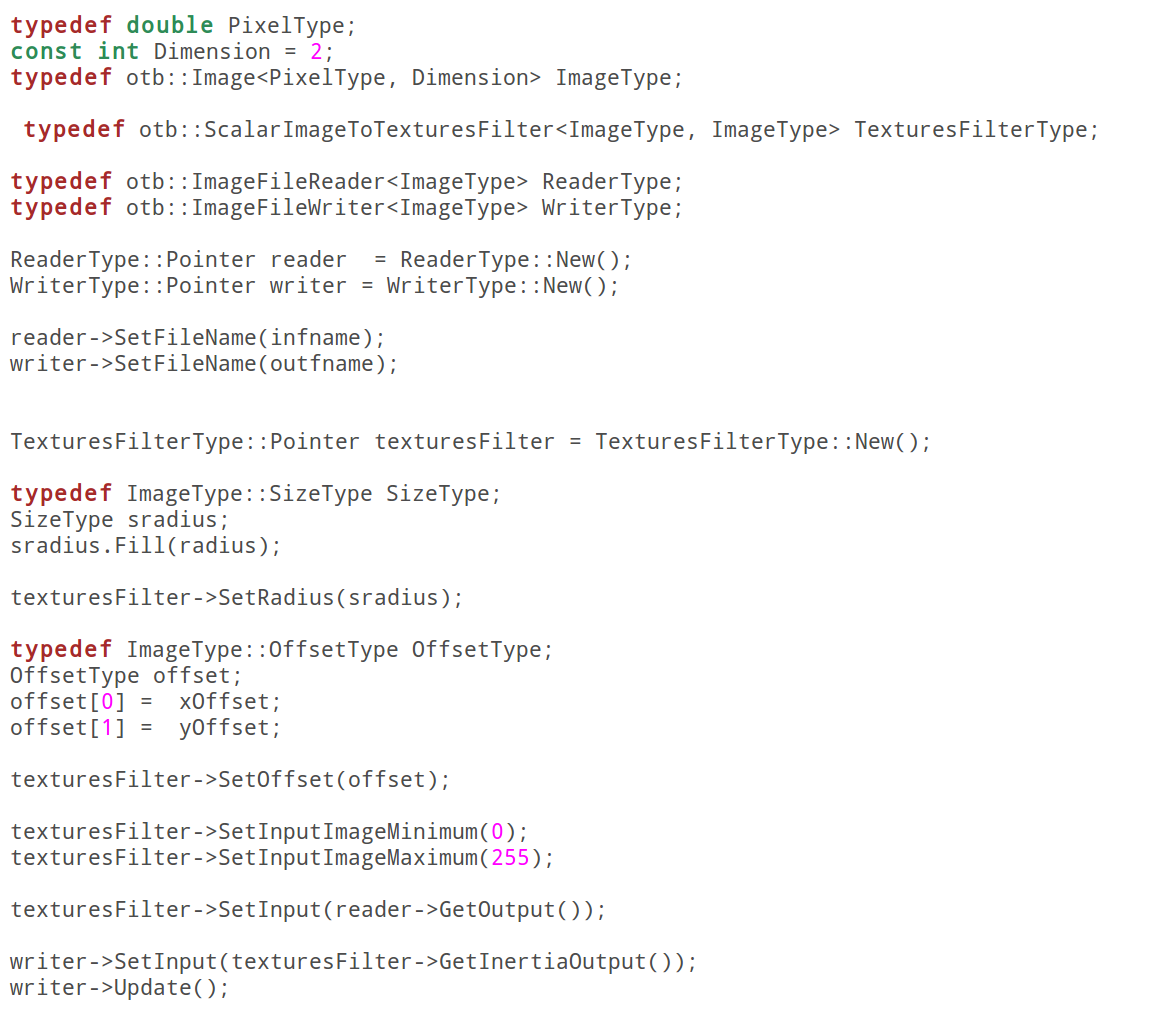
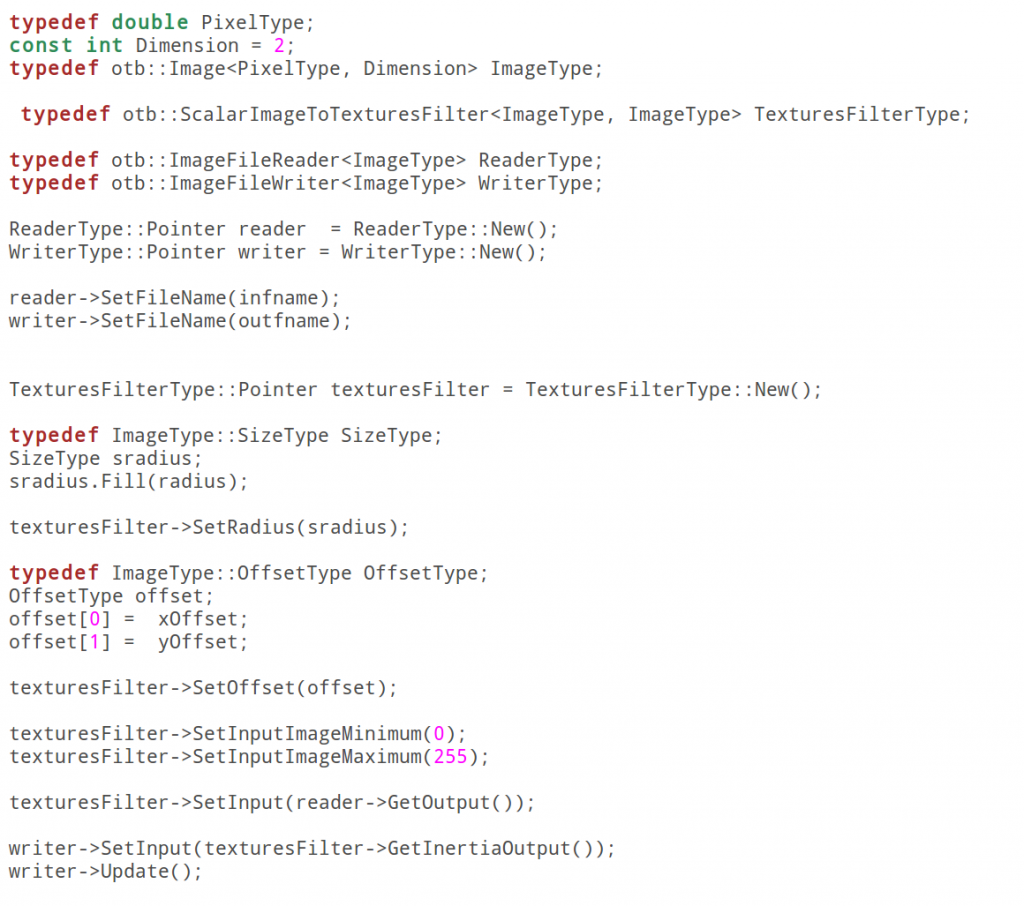 A code snippet of an example available in Cookbook |
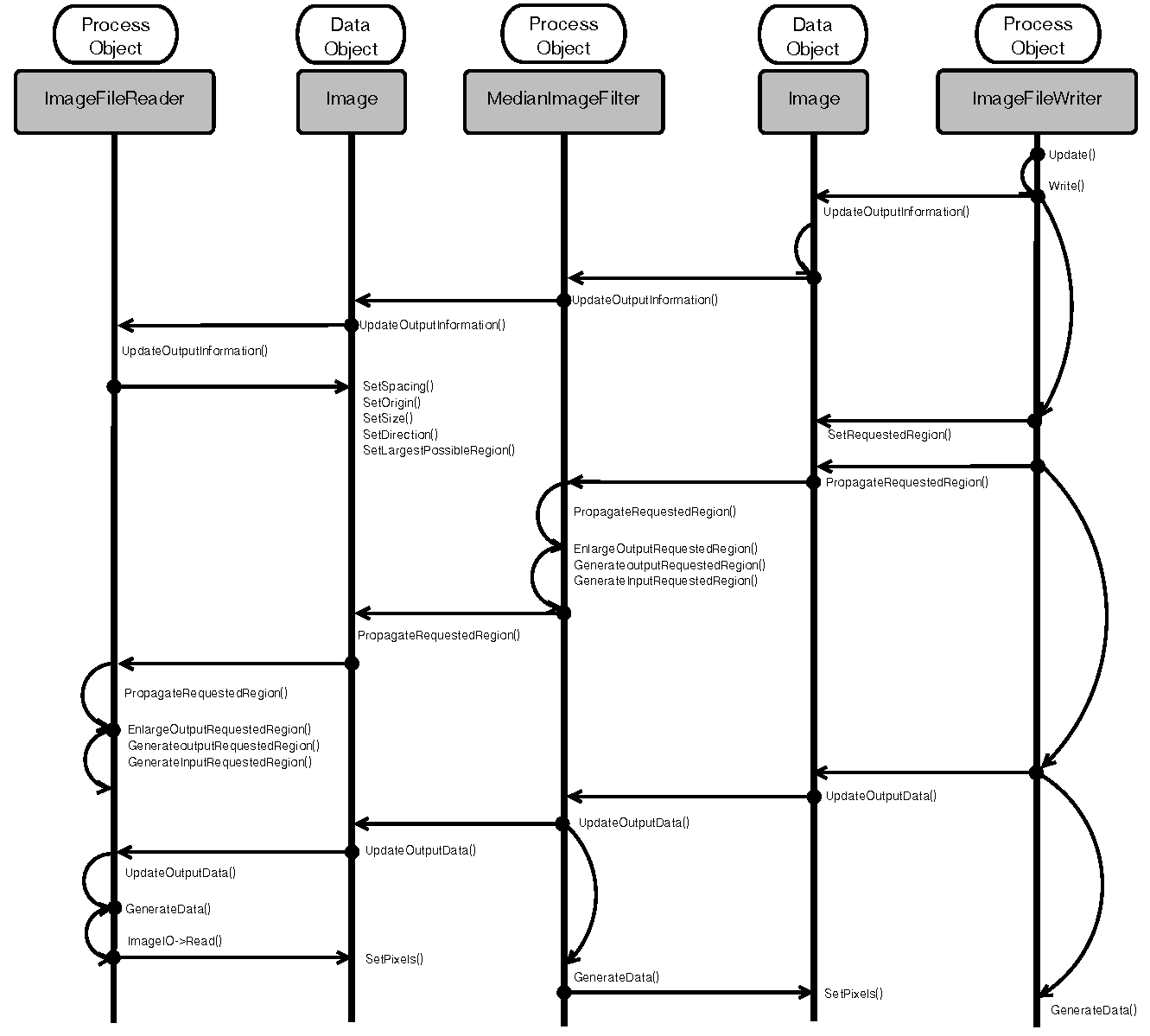 Learn how the ITK pipeline works
(from http://www.aosabook.org/en/itk.html
licence Creative Commons Attribution 3.0 Unported) |
The Orfeo ToolBox community can use the following tools :
- A bugtracker in which we encourage you to report anything suspicious,
- A dashboard where you can see builds and tests results of the nightly revision on a range of operating systems,
- A git repository where you can follow the latests commits,
- A scrum board where everything we have done, are doing and will be doing is logged.
- A forum to discuss about OTB usage and problems
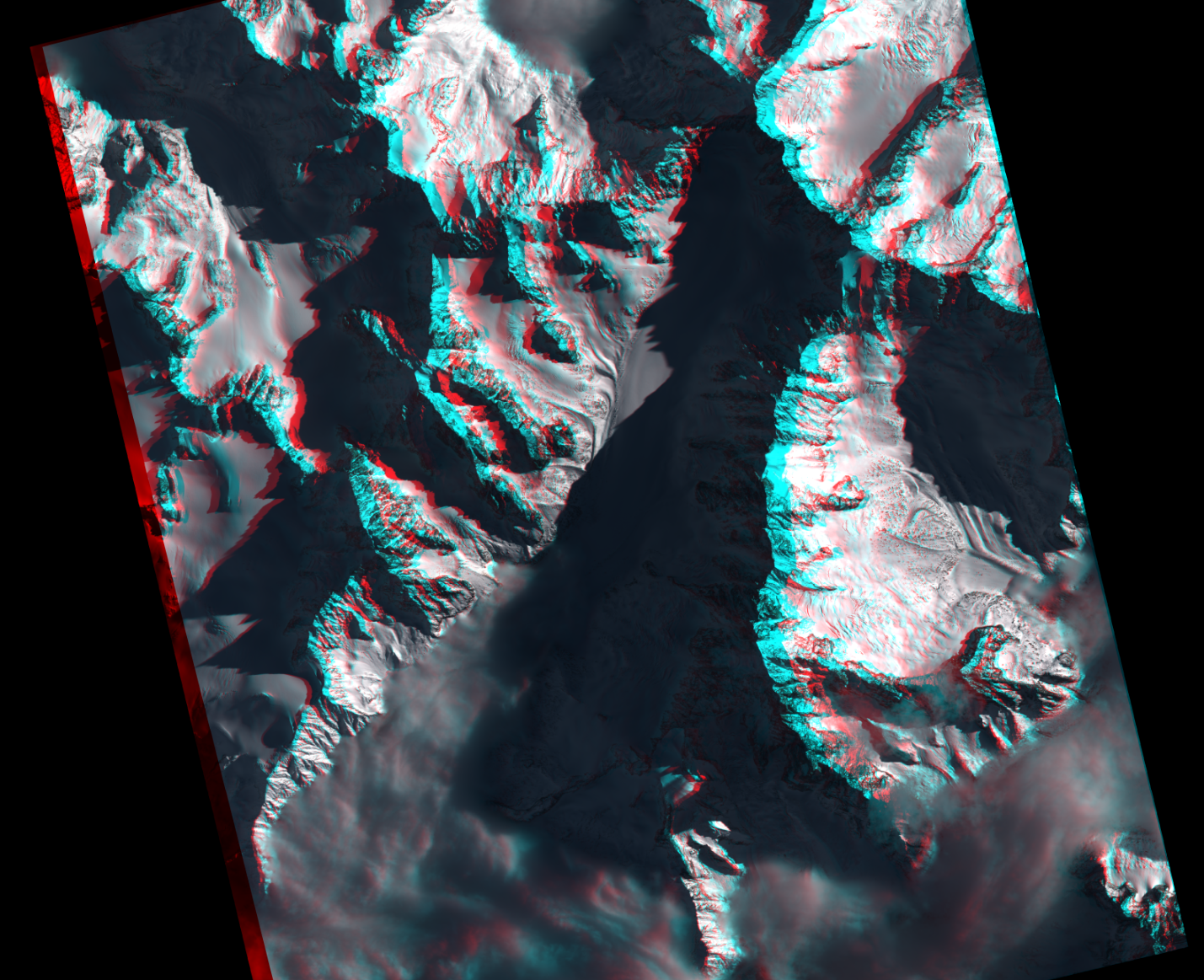
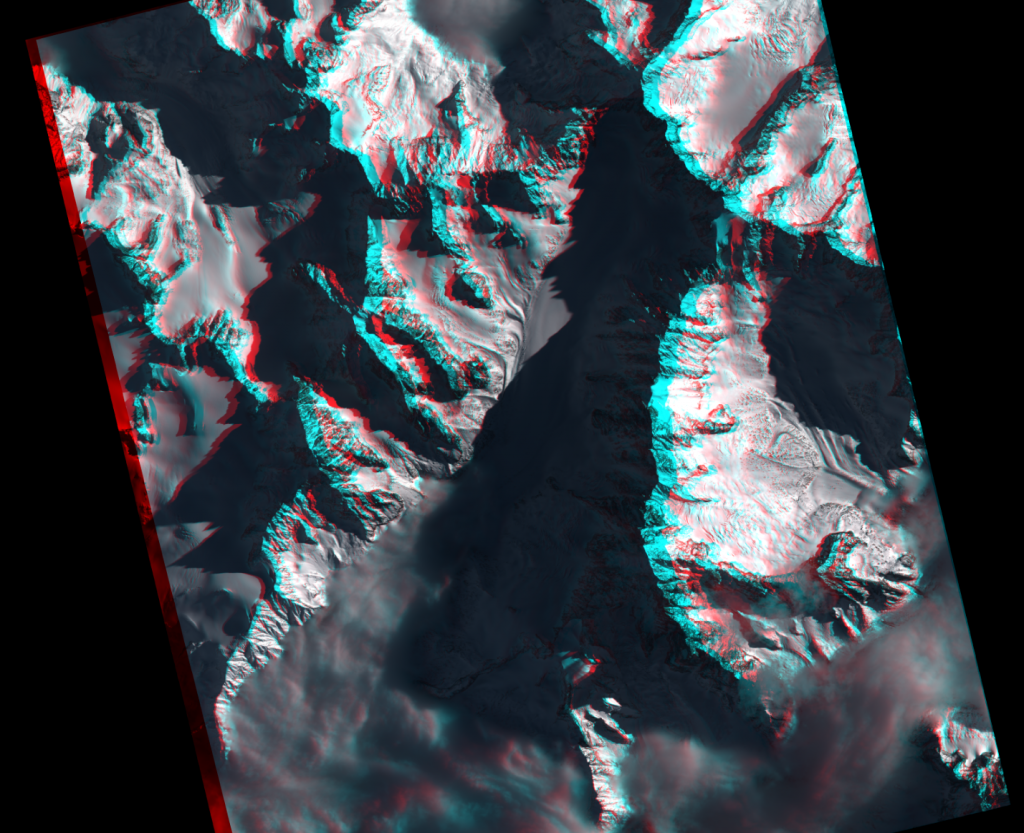 Anaglyph computed by Orfeo ToolBox |
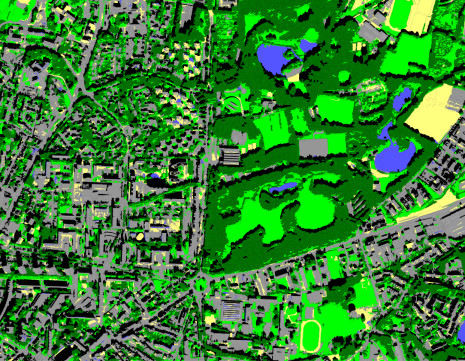 Object Based Classification with Orfeo ToolBox |
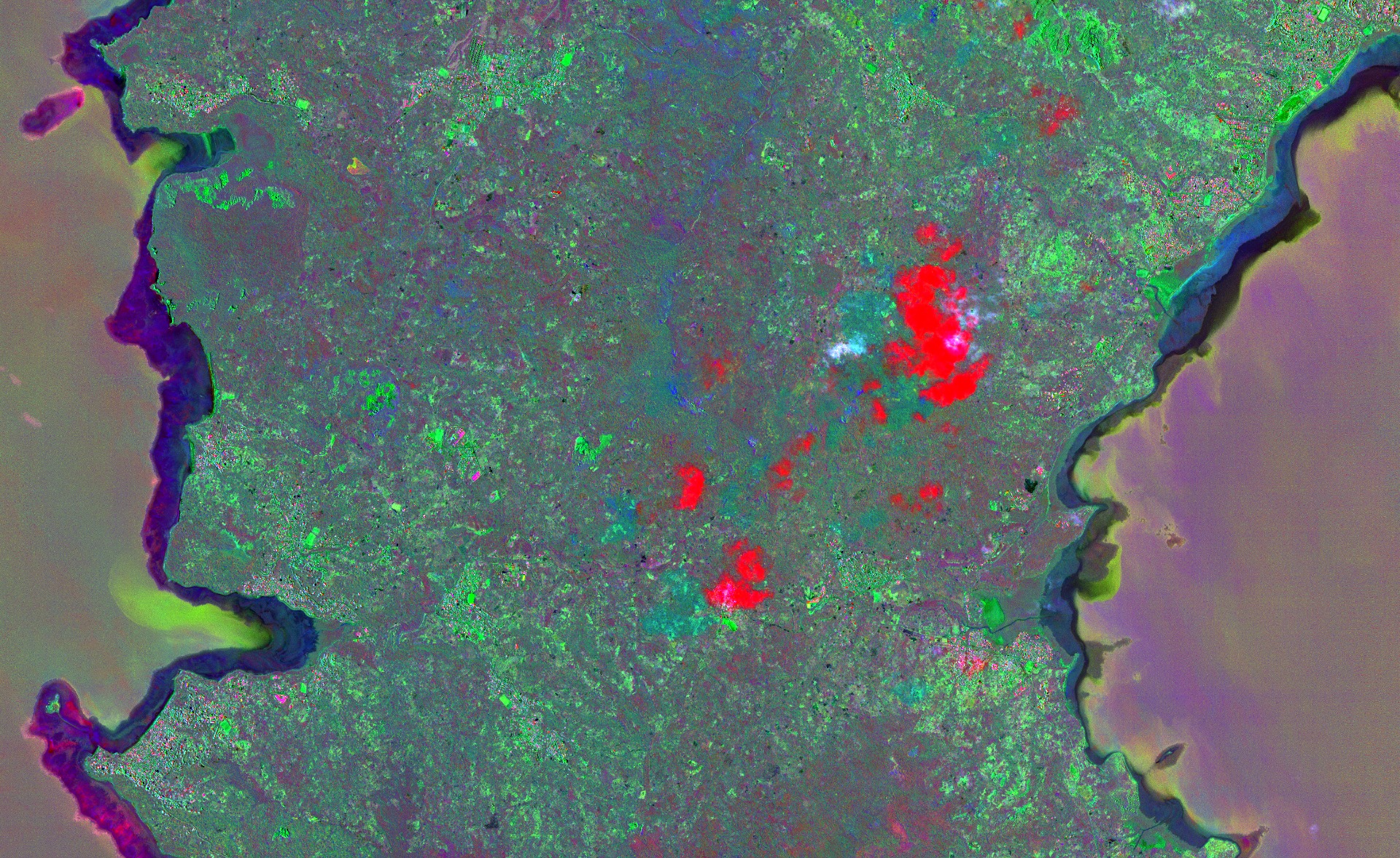
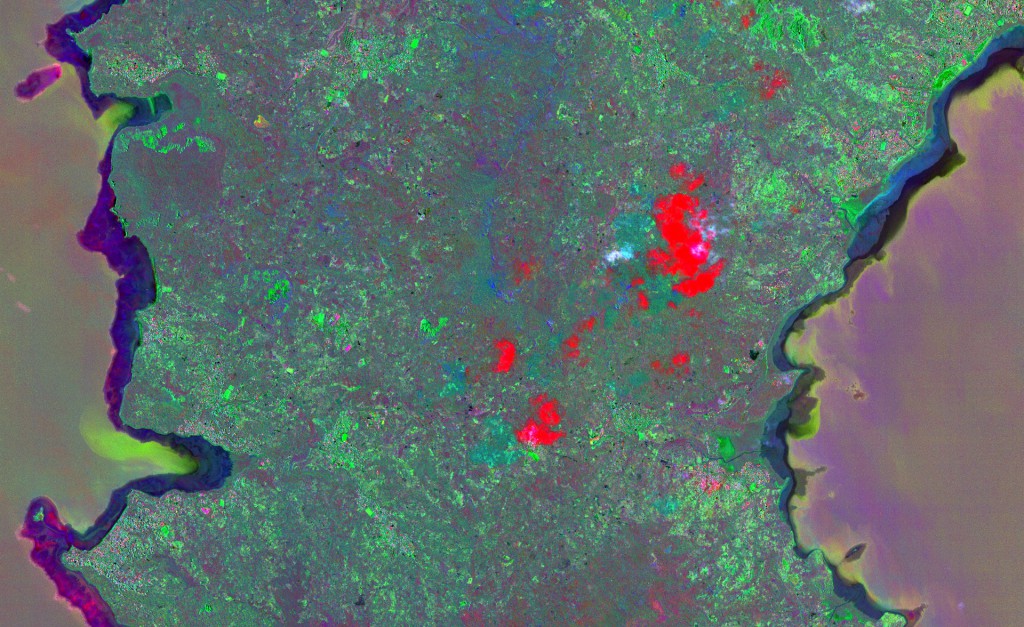 Multivariate Alteration Detector, available in Orfeo ToolBox |